Platform Status
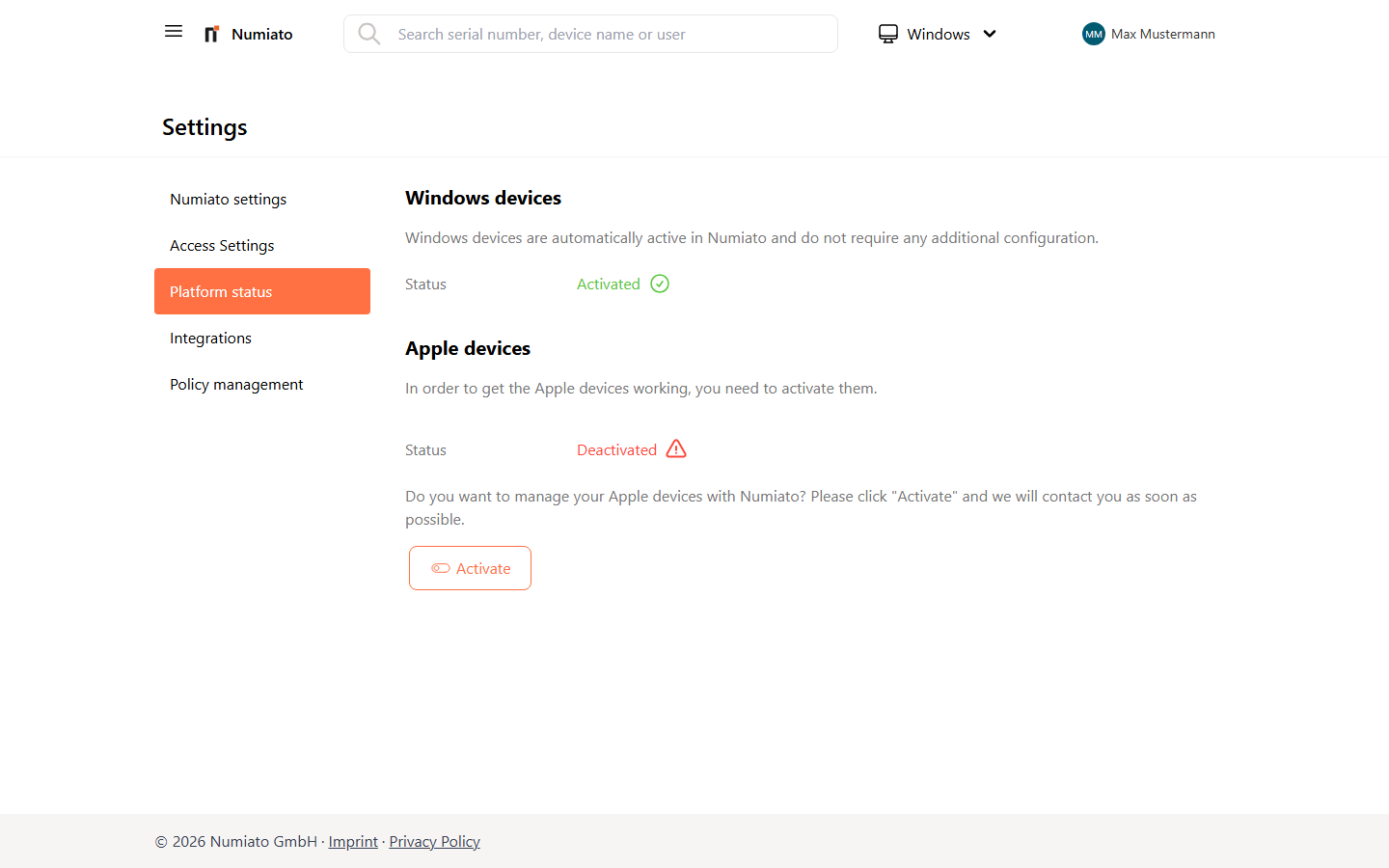
Platform Status & Device Provisioning
Under Platform Status you can view and manage the status of the various operating systems in Numiato. Some platforms require additional setup performed by our team before devices can be managed.
Windows Devices
Windows devices are active by default in Numiato and require no additional configuration.
Apple Devices
To manage iPadOS or macOS devices in Numiato, the Apple School Manager (ASM) must first be set up and linked to Numiato. This setup is performed entirely by our team before you can use Apple devices in Numiato.
Prerequisites:
- Apple School Manager tenant account
- User account with administrator rights in Apple School Manager
Note
If you don't yet have an Apple School Manager account, you can register one here.
Activation Steps
- Open Settings in your Numiato portal.
- Select "Platform Status" in the left navigation.
- Click "Activate".
- Our team will contact you by email to perform the configuration.
Note
Apple requires the iPad configuration to be renewed every 365 days. This renewal is handled automatically by us – no action required.
Note
Setup takes place within a few days via email or phone. Have your Apple School Manager credentials ready, as these are needed for the configuration.