Integrations
In the Integrations section you can view and manage external services connected to Numiato.
Apple School Manager
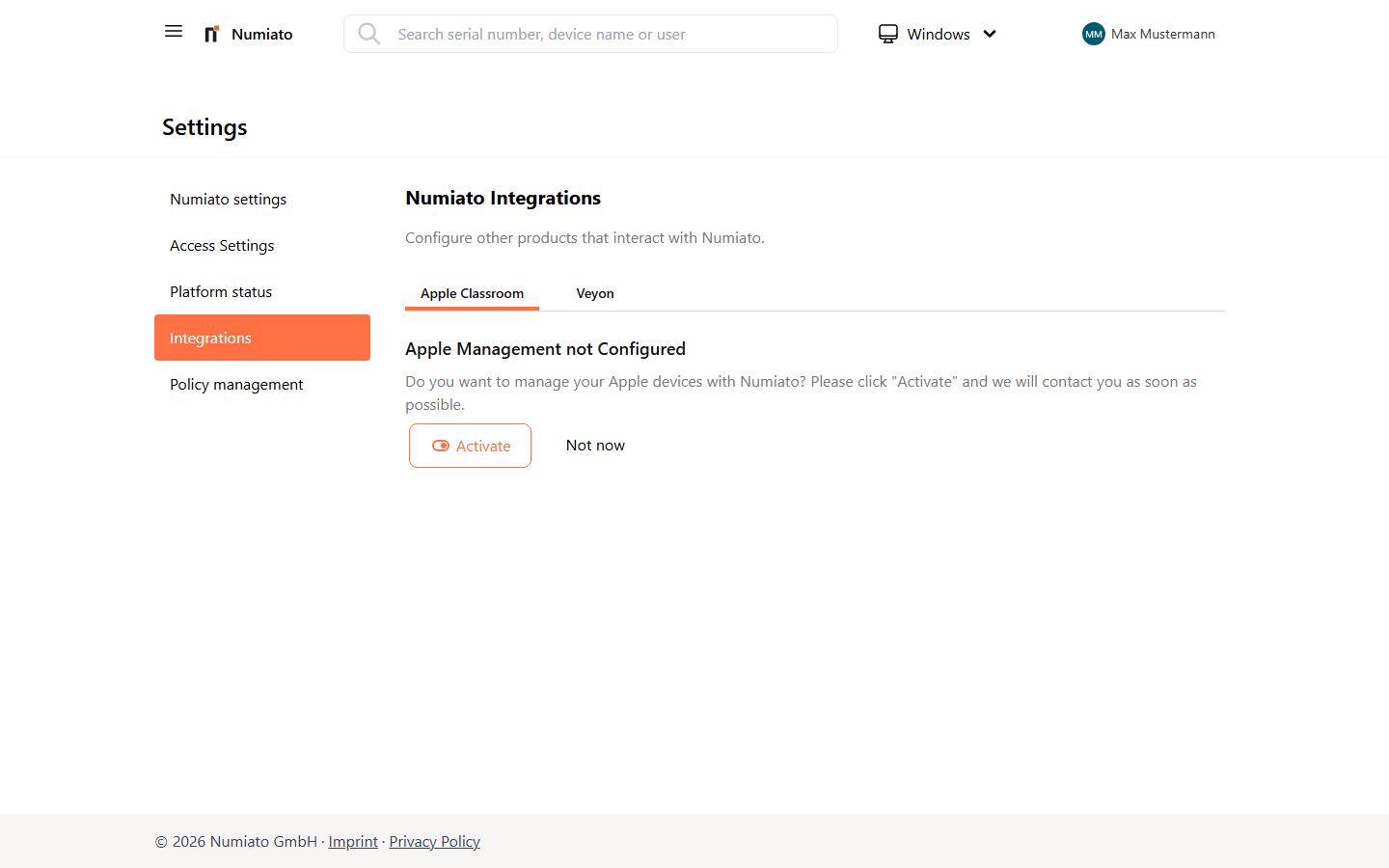
The connection status between Numiato and the Apple School Manager (ASM) is displayed here. You can see at a glance whether the link is active and when the last sync occurred.
What is synchronized?
Numiato synchronizes teachers, students, and classes from your school administration system into Apple School Manager. This gives everyone a Managed Apple ID, allowing them to sign in to iCloud and Apple services using their school account.
The sync runs automatically every night at 2:00 AM, provided changes have been detected.
Classes in Apple School Manager
Note on duplicate classes
Due to a technical limitation of Apple School Manager, a maximum of 15 teachers can be assigned to a class. Since Numiato adds all teachers at the school to every class — so that substitute teachers always have access — schools with larger staff will find that some classes are created multiple times. This is expected behavior and not an error.
Manual Sync
If you need an immediate update, you can trigger synchronization manually.
To start a manual sync:
- Navigate to Settings > Integrations.
- Click Sync in the Apple School Manager section.
- The current status will be updated and the changes will be transferred to Apple School Manager.
Note
A manual sync is performed at most once every 15 minutes.
Veyon
Preview
The Veyon integration is currently in the preview phase. The full feature set will be available in an upcoming version.
Veyon is an open-source solution for classroom management and screen monitoring. The planned integration with Numiato will allow Veyon to be configured directly through the Numiato portal and deployed on managed devices.