Applications
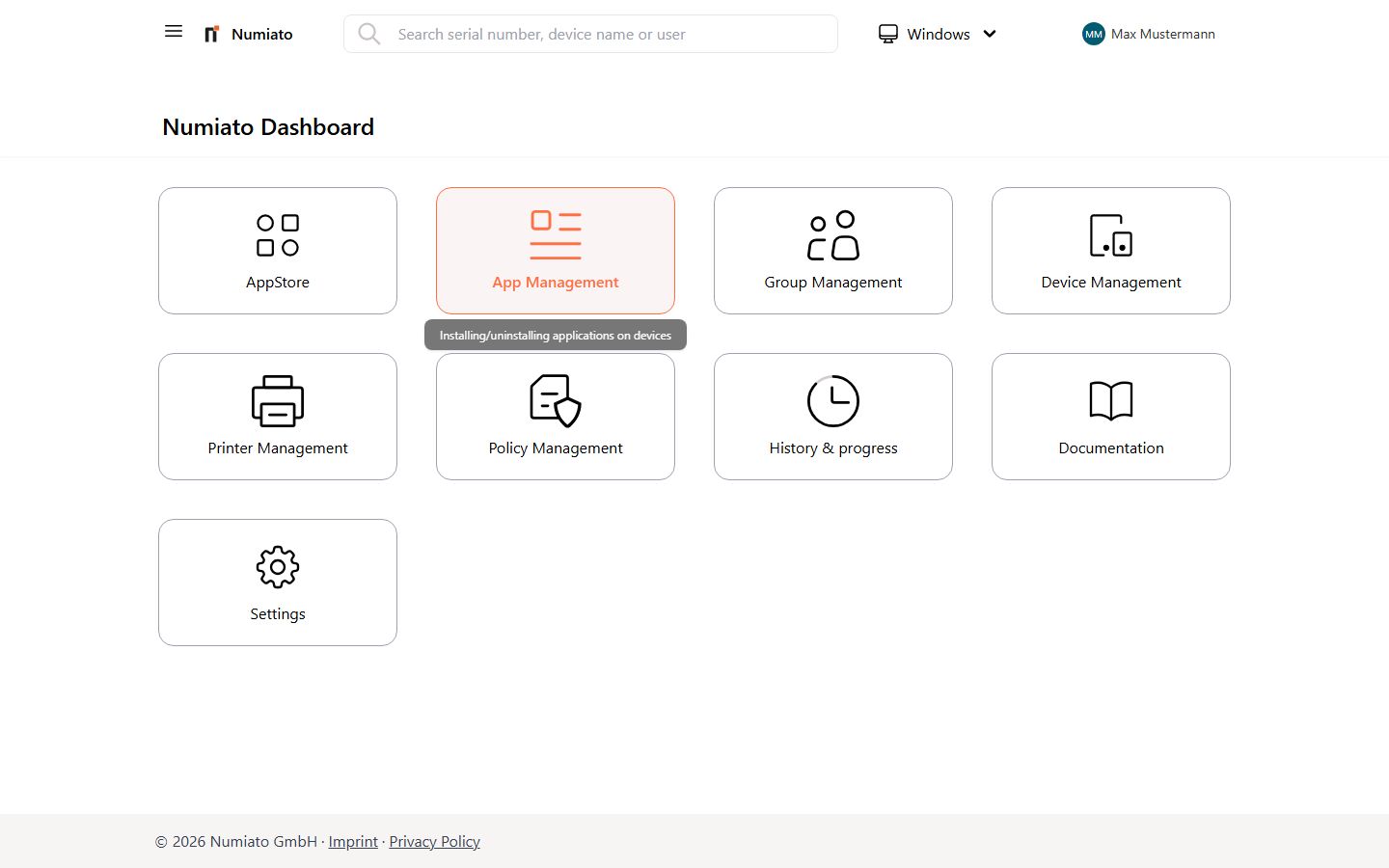
With Numiato you can easily install or uninstall applications on your devices.
General
First you need to transfer the applications from various sources into your tenant and can then assign them to individual devices, the desired categories, or rooms.
Windows
For Windows there are four ways to add applications to your account. These are described here. The process is as follows:
stateDiagram-v2
    A: Transfer App
    B: Assign App
    Numiatostore: Numiato Store
    Microsoft: Microsoft Store
    Weblink: Web Link
    Other: MSI/EXE
    Numiato: Numiato Application Management
    A --> B
    state A {
        [*] --> Numiatostore
        [*] --> Microsoft
        [*] --> Weblink
        [*] --> Other
    }
    state B {
        [*] --> Numiato
    }
iPad
For iPads there are two ways to add applications to your account. These are described here. The process is as follows:
stateDiagram-v2
    A: Transfer App
    B: Assign App
    AppleSchoolManager: Apple School Manager
    Weblink: Web Link
    Numiato: Numiato Application Management
    A --> B
    state A {
        [*] --> AppleSchoolManager
        [*] --> Weblink
    }
    state B {
        [*] --> Numiato
    }
macOS
For macOS devices there are two ways to add applications to your account. These are described here. The process is as follows:
stateDiagram-v2
    A: Transfer App
    B: Assign App
    AppleSchoolManager: Apple School Manager
    Weblink: Web Link
    Numiato: Numiato Application Management
    A --> B
    state A {
        [*] --> AppleSchoolManager
        [*] --> Weblink
    }
    state B {
        [*] --> Numiato
    }